
How it works
Use Duplicate Sheet when you need several copies of the current worksheet for periods, scenarios, entities, or recurring reports.
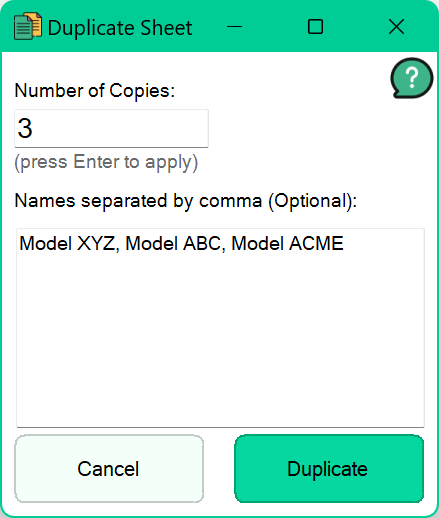
Choose how many worksheet copies to create and customize the names applied to the newly duplicated sheets.
The new sheets retain the source worksheet’s data and formatting. Supply a list of sheet names to create a consistent set for periods, scenarios, or entities.
Create a consistent set of worksheet copies together instead of repeating Excel’s copy-and-rename process one sheet at a time.