
How it works
Use Random Values when a worksheet needs dummy numbers, dates, text, or other generated data for testing and simulation.
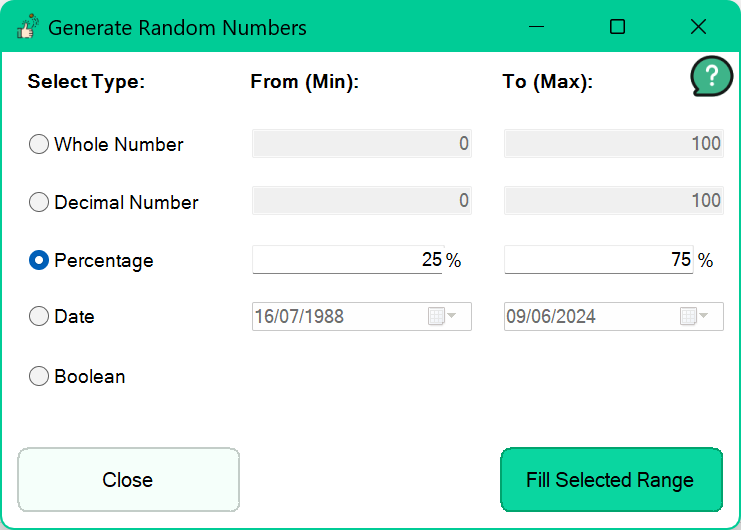
Select the value type and generation settings, then populate the chosen Excel range with randomized values.
Set upper and lower bounds and choose from five supported types: whole numbers, decimal numbers, percentages, dates, and Boolean values.
Build test data directly in the workbook without manually entering values or maintaining temporary randomizing formulas.